
Google Discover in recent years has become one of the most powerful traffic channels for blogs, news websites, and niche media. Its key feature is that the user does not search for content — the content finds the user. For website owners, this means the ability to gain a stable or wave-like flow of audience without competing in search for “top-10” positions, keywords, multiple backlinks, and ranking battles. But getting into Discover is not an accident or a matter of luck. It is a systematic process based on understanding what exactly Google wants to recommend to people.
We will break down how Google Discover works, what type of content it promotes most often, what to do to ensure your site consistently appears in Discover recommendations, and which mistakes to avoid.
What is Google Discover
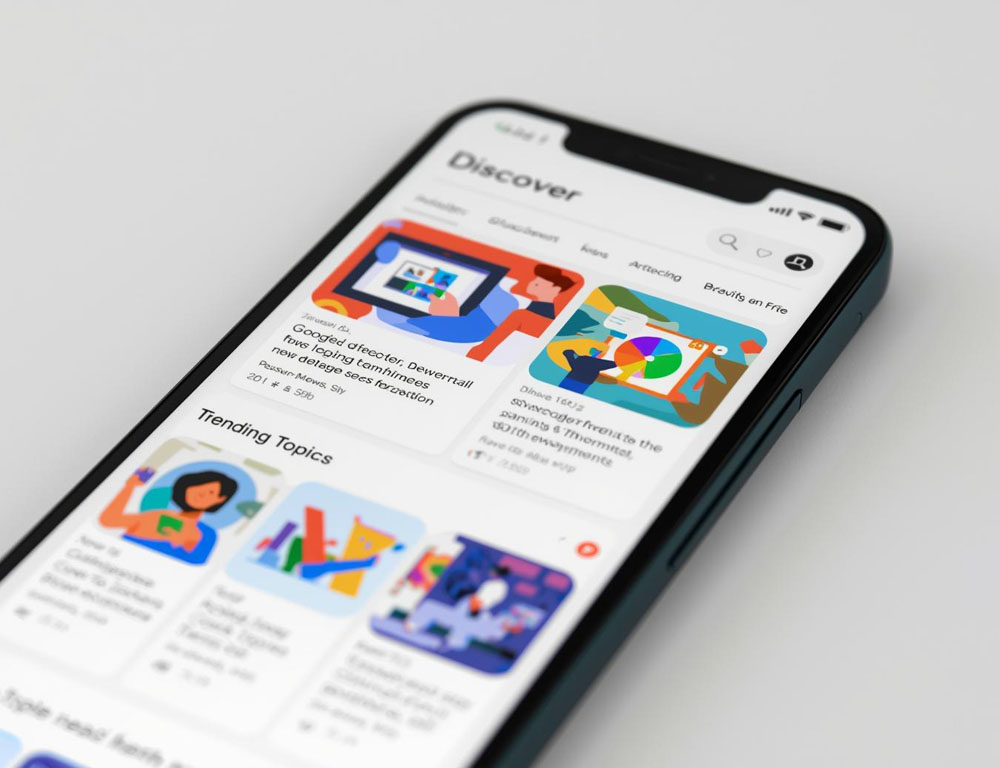
Google Discover is a personalized recommendation feed inside the Google mobile app and on the Chrome homepage. It appears as an endless feed of article cards, videos, reviews, news, and analysis.
Discover works without a search query. The algorithm itself decides which content to show to the user by analyzing:
- search history;
- topics the user interacts with online;
- watched YouTube videos;
- subscriptions and behavior in Chrome and Gmail;
- activity on various sites.
In essence, it is a recommendation system similar to Facebook, TikTok, or YouTube. The idea is simple: a person receives content that may be interesting to them, even if they were not thinking about it at the moment they opened Google.
Google Discover vs. Search Results
| Characteristic | Google Search | Google Discover |
|---|---|---|
| How traffic arrives | Through entering a query | Through recommendations |
| What matters most | User intent | Topic interest and relevance |
| Importance of SEO | High | Moderate |
| Importance of title and image | Important | Critical |
| Traffic stability | Gradual and long-term | Wave-like, sometimes very strong |
Therefore, Discover is especially useful when a website:
- works with trending or timely topics;
- uses high-quality images and strong headlines;
- publishes new content regularly.
What type of content most often appears in Google Discover
1. Current news
Discover favors freshness. If a topic is trending today, it has a much higher chance of being shown.
Examples:
- launch of a new smartphone model;
- social network update;
- major industry event.
2. Reviews and guides
People often want fast explanations without complexity.
For example:
- “How to Choose a Budget Laptop in 2025”
- “What is Google Gemini and How It Works”
3. Analytical and explanatory content
Content with added value: not just “news,” but “what this means for the reader.”
4. Visual content
Discover prioritizes articles with bright, clear images without watermarks.
How to Get Into Google Discover: A Practical Method
1. Choose topics that are relevant right now
Check trends using:
- Google Trends;
- YouTube Trends;
- Twitter / X trending topics;
- Google autocomplete suggestions;
- news aggregators in your niche.
The topic should be:
- timely;
- useful;
- easy to understand for a broad audience.
2. Write emotionally informative headlines
The headline determines both visibility and clicks.
Bad headline: “Google Discover settings”. Good headline: “How Websites Get Thousands of Views from Google Discover: Simple Explanation”.
Main rule: the headline should promise a result or show the benefit.
3. Use images at least 1200 px wide
Google notes that large images increase click-through rate and reach. Ideal images are bright, sharp, focused, and without text overlays.
4. Publish regularly
Google Discover prioritizes websites that:
- are active;
- update frequently;
- show consistent content output.
Optimal frequency: 2–5 posts per week.
Include:
- author name;
- short bio;
- links to social profiles or portfolio;
- primary information sources.
This is a trust signal for the algorithm.
Common Mistakes That Prevent Discover Visibility
| Mistake | How to Fix |
|---|---|
| Topic is not relevant | Tie content to current trends |
| Weak or boring headline | Add intrigue / benefit / clear value |
| Low-quality images or watermarks | Use unique or high-quality images (1200px+) |
| Website posts rarely | Increase posting frequency |
| No author attribution | Add author info and sources |
Checklist Before Publishing
- Topic is relevant today.
- Headline creates interest and conveys benefit.
- Main image is large and high-quality (1200+).
- Text contains clear explanations and specifics.
- Author and brief bio are included.
- Article is not overloaded with keywords.
- Internal links are present.
- Content is unique and useful.
Conclusion
Google Discover is not a replacement for SEO, but another powerful traffic channel that works on completely different rules. Its strength is that it can drive thousands and even hundreds of thousands of views in a short time if:
- the topic is relevant;
- the headline is strong;
- the image is high-quality;
- the website is active;
- the author is credible.
This is not about competing in search rankings — it is about understanding and working with audience interests.