
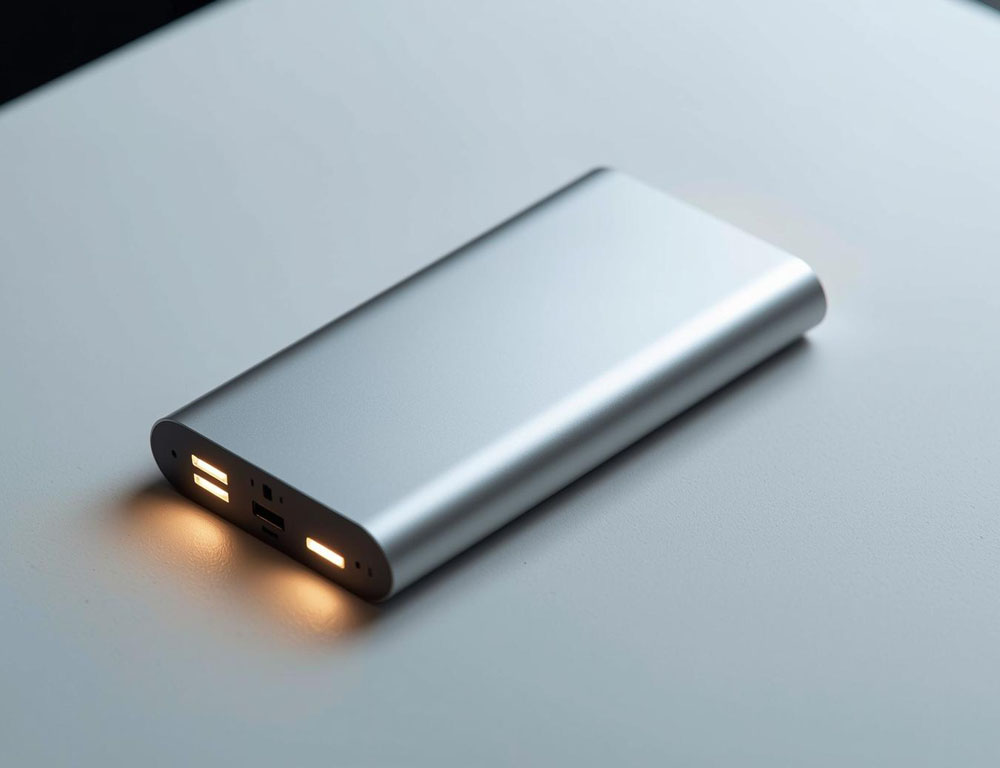
A power bank is something that is usually remembered when the phone shows 5% charge, and there is no outlet nearby. In fact, it is a portable battery that allows you to recharge your smartphone, headphones or other gadget at any time. It is taken on the road, to work, on trips or kept at home “just in case”. Many are interested in how to use a power bank, but in practice everything is very simple: charge it in advance, connect the cable – and you have a reserve of energy. A power bank becomes especially useful during power outages or long trips.
First Time Charging a Power Bank
What to do right after buying it
The question “how to charge a power bank for the first time” shows up for a reason. Many people still follow myths from older battery days, when you had to drain to zero and charge to one hundred. For modern lithium-based power banks, that is not necessary and can even become a harmful habit.
What is better to do:
- Put the power bank on the charger right after purchase to see how the indicator behaves and how long it truly takes.
- Use a decent wall adapter, not a random laptop USB port, if speed matters.
- Do not try to intentionally drain the power bank to “zero” in the first few cycles. A calmer pattern works better: top it up when it drops to about 20 to 30 percent.
One more thing matters: if the power bank sat in a warehouse for a long time, it may arrive without a full charge. That is normal. The key is not to panic and not to turn the first charge into a “ritual”.
Indicators and LED lights
Four LED lights: how to read the percentage
The most common indicator system is four LED lights. It is simple, but it can feel confusing when one of them blinks.
A basic rule of thumb:
- 1 light: about 0 to 25 percent
- 2 lights: about 25 to 50 percent
- 3 lights: about 50 to 75 percent
- 4 lights: about 75 to 100 percent
If the indicator is blinking
If a power bank indicator is blinking, it usually means one of these situations: charging is in progress, the power bank switched into a fast-charging mode, or it is signaling an error. The exact meaning depends on the model, so it can be worth checking the short manual once. But the general advice is simple: blinking while charging is normal. Blinking when nothing is connected, combined with heat or rapid drain, is a reason to check the cable, adapter, and ports.
Charging time Power Bank and real-world numbers
How long a 10,000 or 20,000 mAh power bank takes to charge
The question “how long does a power bank take to charge” depends not only on capacity, but also on the charger wattage and the power bank input. In short: a big power bank on a weak adapter takes a long time. That is not a defect, it is math.
Time expectations:
- A 10,000 mAh power bank on a 10 to 12 W adapter can take several hours.
- A 20,000 mAh power bank on the same adapter can easily turn into “half a day of waiting”.
- If the power bank supports USB C Power Delivery and you use an 18 to 30 W adapter, the process speeds up a lot.
So the answer to “how long does a 20,000 mAh power bank take to charge” is almost always the same: it depends on what you charge it with. If the brick is weak, it will not be fast, even if the cable looks “premium”.
Chargers, cables, and fast charging
What charger to use for a power bank
The most common reason for slow charging is a “weak adapter plus random cable” combo. A cable can look brand new and still not support the needed power, or it can have high resistance. The result is a power bank that seems to charge, but does it slowly and may even warm up.
To use a power bank without stress:
- If the power bank has a USB C input, it is best to charge it through USB C with a proper adapter.
- Fast charging requires compatible ports and a cable that supports the right standard.
- Charging from a laptop USB port can work, but it is often the slowest option.
Why a power bank charges a phone slowly
If you want one simple rule: one good cable and one reliable adapter beat five “whatever” cords in a drawer.
Pass through charging
Can you charge a phone from a power bank while the power bank is charging
This falls into the “you can, but it is not always ideal” category. Many models support pass through charging, meaning the power bank can charge while also powering a phone. That is handy on the road when there is one outlet and two devices.
But there are tradeoffs:
- The phone may charge slower because the power is being shared.
- The power bank can get warmer, especially if fast charging is involved.
- Some budget models behave unpredictably and may interrupt charging.
If it is an occasional situation, it is usually fine. If it becomes a daily habit, it is better to charge the power bank separately when possible.
Common issues and quick fixes
The power bank will not charge the phone or charges it very slowly
The “power bank is not charging my phone” situation is often solvable without service. The most common reasons are:
- Wrong port. Some power banks have one port for fast charging and another standard port.
- The cable cannot handle it. This shows up most clearly with fast charging: the phone charges, but slowly.
- Low current mode is enabled. Some models have a mode for earbuds or a watch, and then a phone may not “detect” charging properly.
- The power bank is too low. When it is down to 5 to 10 percent, some power banks deliver power less reliably or shut off.
- The phone is charging the power bank, not the other way around. This can happen with USB C direction issues or if a port behaves as an input. Trying another cable or another port is often enough.
The power bank gets warm while charging
If a power bank gets warm while charging, mild warmth is normal. But if it is hot like a cup of boiling water, it is better to stop charging, check the adapter and cable, and avoid covering the power bank with fabric or a blanket.
Capacity in real life
How many charges you can get from a 20,000 mAh power bank
The number on the box almost never equals “how many times it will charge a phone”. Some energy is lost to voltage conversion, heat, and controller work. That is why real usable capacity is always lower than the rated number.
Roughly:
- 10,000 mAh usually gives 1 to 2 full charges for a modern phone, depending on the battery size.
- 20,000 mAh more often gives 3 to 4 charges, but that also depends on the phone model and charging mode.
If you want accuracy, the best indicator is real use: calculate once how much of the power bank percentage it takes to bring your phone from low to full with your “phone plus cable plus port” setup.
Mini checklist
- Charge the power bank with a proper adapter, not “whatever is around”.
- Do not drain the power bank to zero regularly; staying in the 20 to 80 percent range is better.
- Use a quality cable, especially for fast charging.
- Do not leave the power bank in heat, under a pillow, or in direct sun while charging.
- Every few weeks, check the indicator and top it up if the power bank sits as a backup.
A power bank is great because it does not require complicated rituals. A little attention to the cable, adapter, and temperature, and it will work steadily, without surprises, exactly when it is needed most.