
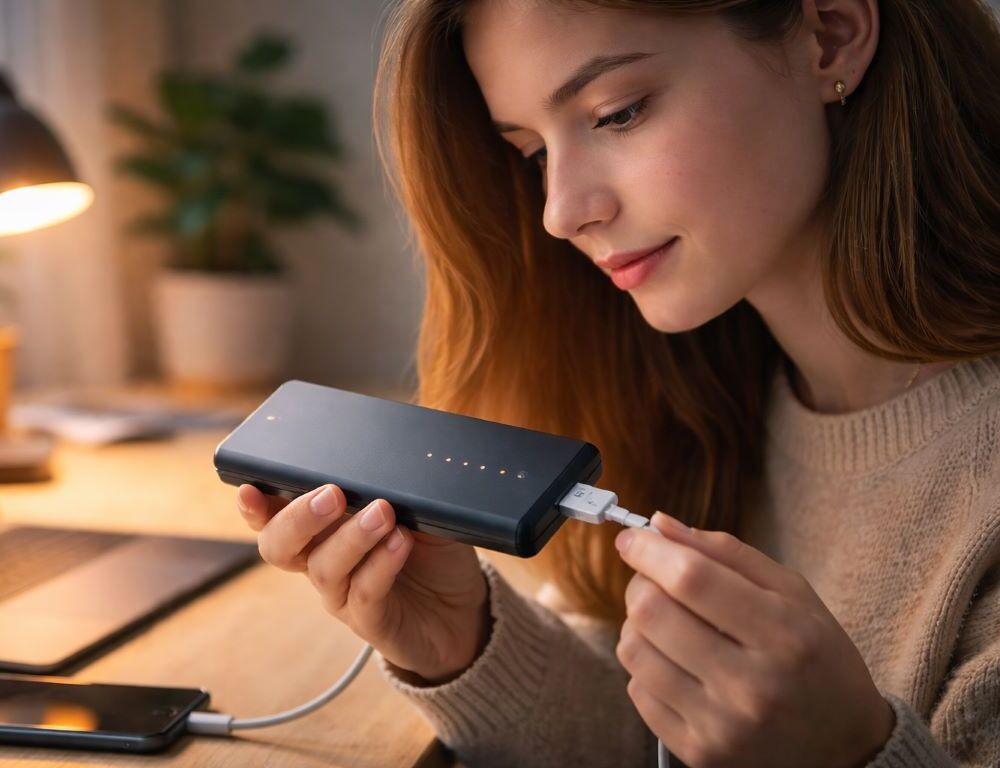
You plug your power bank in, glance over, and the LEDs are doing something unexpected—running, pausing, then going dark. A power bank charging indicator is a simple display, but it’s still a set of signals, and brands implement it differently. With a few patterns in mind, you can usually tell “normal” from “needs attention” fast.
If you already know how to use a power bank, this guide focuses on charging the power bank itself and decoding what the indicator is trying to say.
What does a power bank charging indicator usually show?
Most models follow these behaviors:
- 1–4 LEDs represent rough levels (about 25/50/75/100%). While charging, one LED blinks and the others stay solid.
- A chasing pattern means it’s charging but hasn’t reached the next step yet.
- All LEDs solid often means near full or full (some units still top off briefly).
- Very rapid blinking can point to protection mode: overheating, unstable input, or a bad connection.
- Lights turn off after 5–30 seconds can be normal on units that hide the display; pressing the button shows status.
- A percentage screen is clearer, but it can jump if input power keeps dropping.
How can you tell in one minute if it’s normal or a problem?
Run this “if → then” check:
- If the blinking is steady and repeatable → normal charging is the likely answer.
- If it blinks fast and then stops → the charger may be too weak, or the cable is causing voltage drop.
- If nothing lights up → it might already be full, or there’s no power reaching it (outlet, adapter, cable).
- If the level jumps around → the input is unstable: loose port, overloaded adapter, or flaky cable.
- If the case feels hot → unplug and cool it down; protection can pause charging.
Fixes by cause: from cables to protection mode
Why are there no lights while it’s plugged in?
Swap the basics first: try a different cable and a different wall adapter. Low-quality cables are a top reason a power bank looks “dead” while charging—especially on USB-C. If your model has a button, press it after plugging in.
Why is it blinking rapidly and not charging?
Fast blinking often means the bank is protecting itself. Common triggers: overheating, debris or moisture in the port, a damaged cable, or an underpowered adapter. Let it cool for 15–20 minutes, then test with a reliable charger that matches what your model supports.
Why do the lights flicker or change levels randomly?
That’s classic unstable input. Check for a loose connector, gently clean lint from the port, and try another input (USB-C vs micro-USB, if available). Also avoid sharing a multi-port adapter with other devices while testing.
Why does it show 100% and later drop?
Step indicators aren’t precise. After charging stops, voltage relaxes and the estimate can settle to a lower step. Occasional small drops are normal; frequent big drops can mean aging cells or a gauge that needs recalibration.
Why is charging slow even though it “looks normal”?
A laptop USB port or an old 5 V / 1 A cube can take many hours, and the indicator may sit on one bar for a long time. Temperature can slow things down too, because the controller limits current to protect the battery.
Which light pattern matches which likely issue?
| Indicator symptom | Likely cause | What to do |
| One LED blinks steadily, others are solid | Normal step-based charging | Leave it charging and recheck in 30–60 minutes |
| Rapid blinking, then charging stops | Protection mode, weak charger, overheating | Cool it down, swap charger/cable, inspect the port |
| No lights while plugged in | Full already, or no input power | Press the button, try another outlet/adapter/cable |
| Levels jump around or flicker | Unstable connection or shared/weak adapter | Use a better cable, avoid multi-device load, try another port |
| Reads full, then drops | Gauge recalculation or aging cells | Run one full cycle; if frequent, consider replacement |
How do you make the indicator more predictable next time?
Use a “known good” setup: a solid cable, a reputable adapter, and the port your power bank prefers. Stable input power makes the indicator boring. If behavior suddenly changes, check cable, charger, and temperature before assuming the bank is failing.