
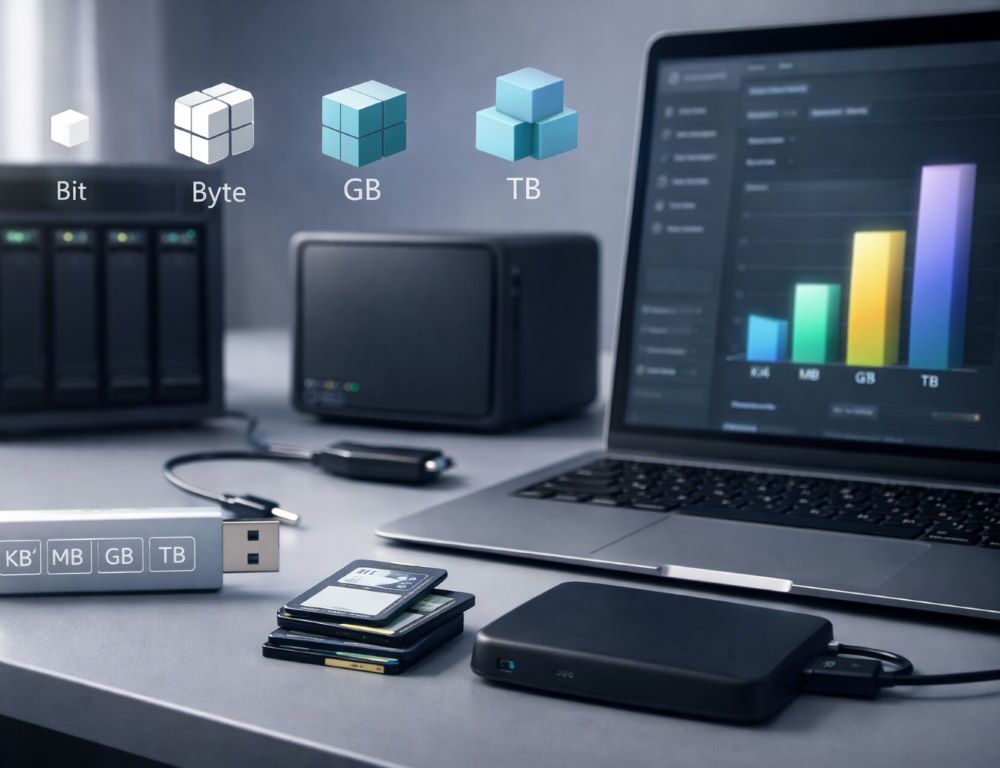
Digital numbers can feel inconsistent: storage in GB, internet plans in Mbps, and downloads that never match expectations. The simplest way to make it all click is to understand the bit vs byte difference. Once you do, kilobytes, gigabytes, and “why is it so slow?” questions become much easier to handle.
What is a bit and what is a byte, in plain terms?
Why is a bit the smallest unit?
A bit is a single 0 or 1. It’s the smallest building block for any digital information.
How do you get a byte from bits?
A byte equals 8 bits. Bytes are used for file sizes, memory, and storage because they’re more practical than counting individual bits.
Where do you see bits vs bytes in real life?
Bits show up most often in network speed (Mbps). Bytes show up in file sizes (MB, GB). Comparing them without converting creates an 8x misunderstanding.
How do you read symbols so one letter doesn’t trick you?
What’s the difference between b and B?
Lowercase b is bit. Uppercase B is byte. The letter case matters.
Why do internet providers use Mbps?
Networking tradition measures throughput in bits per second. It’s not a trick, but you need a quick conversion to translate it into file-download terms.
Why do apps show different formats?
Some apps display MB/s, others show Mbps, and many round differently. Your best move is to confirm the unit first, then convert.
Quick reference table for everyday conversions
| What you see | What it means | Quick conversion |
| Mbps | Speed in bits | Divide by 8 to estimate MB/s |
| MB, GB | File size in bytes | Multiply by 8 to get megabits |
| KB vs KiB | Decimal vs binary | 1000 vs 1024 differs on large sizes |
| “1 TB” on a box | Decimal marketing | Looks smaller in system reporting |
This table explains why labels and on-screen numbers don’t always “feel” aligned.
Why does download speed feel different from your plan?
How do you estimate download time?
Take file size in megabytes, multiply by 8 to convert to megabits, then divide by your Mbps speed. Add a buffer for overhead and variability.
What prevents you from hitting the advertised speed?
Wi-Fi quality, distance to the router, network congestion, server limits, and your device performance can all reduce real throughput.
Why do speed tests and real downloads disagree?
Speed tests measure a best-case route to a nearby server. Real downloads depend on the specific site, routing, and sometimes different measurement units.
Where else do bits and bytes matter?
Why does a 1 TB drive show less space?
Manufacturers often use decimal units, operating systems often report in binary-like units, and file systems take overhead. The math is normal.
How do you estimate how many photos or videos will fit?
Think in “bundles”: photos are often a few MB each, videos can be tens or hundreds of MB. Knowing your storage in the right units makes planning easier.
Why do game installs need more space than the download size?
Installers unpack files, create temporary data, and replace older assets. You need extra free space beyond the download number.
Quick Answers You’ll Actually Use
How many bits are in a byte?
A byte contains 8 bits. That single fact powers most everyday conversions.
What matters more for internet speed: Mbps or MB/s?
Plans are usually in Mbps. If you want file-friendly speed, convert to MB/s by dividing by 8.
Why do “units of information measurement” matter day to day?
They help you estimate storage, predict download time, and understand why different apps show different numbers.
How does this connect back to units of information measurement?
Once bit and byte are clear, units of information measurement become intuitive, and you can read storage and speed numbers with confidence.
When you understand bit vs byte, digital numbers stop feeling random. You gain a simple mental model that makes storage, speed, and downloads predictable.