
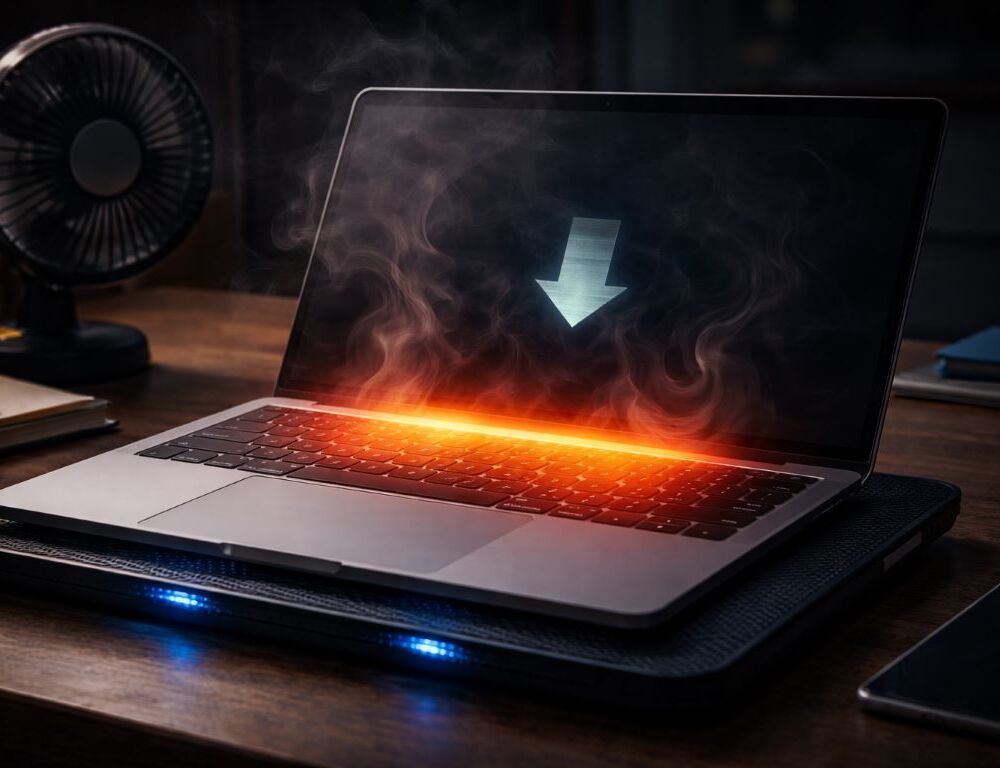
Performance feels great at first, then FPS drops, fans get loud, and the laptop won’t recover until it cools. A thermal throttling fix matters because the CPU or GPU lowers clocks once heat hits its limit. Most times, a few checks and settings stabilize it.
How can you tell it’s throttling, not just general lag?
When overheating hits, the slowdown follows a pattern—temperatures rise, clocks drop, and the workload stays similar—which aligns with Intel’s overview of what thermal throttling is and why it happens.
If you are still comparing models, a practical laptop selection guide helps you judge cooling and power limits, not just specs.
Before you start: monitoring, vent checks, and power settings are safe; disassembly and thermal compound work are risky. Stop if you smell burning, hear crackling, see swelling, or the laptop shuts off.
Common signs:
- Drops after 5–15 minutes of load.
- Clocks fall while temps stay high.
What should you check first to avoid making it worse?
Capture one dip with monitoring: temps, clocks, utilization. Example: A long export with the lid closed on a dock drops clocks. Example: An uncapped 144 FPS game ramps heat fast.
If everything feels slow too, this article on laptop is slow what to do helps separate heat from background load. For battery health, keep habits that reduce battery wear in mind when charging under heavy load.
Mini decision flow:
- Hot even at idle → Check dust and vents.
- Hot only in games → Cap FPS and review fan curves.
- Clocks drop at moderate temps → Check power plan and limits.
| Symptom | Likely cause | Quick step |
| Drop after 10 minutes | Heat limit and clock drops | Improve airflow and reduce limits |
| High idle temperature | Dust buildup or clogged vents | Do dust cleaning and clear intakes |
| Loud fans, weak FPS | Excess boost and load | Cap FPS and tune fan curves |
Which safe fixes usually work in the real world?
Will better airflow actually help?
Use a hard surface and lift the rear edge slightly. Expected result: lower load temps; rollback: return to your normal setup if nothing changes.
What are normal CPU GPU temps, and when is it too hot?
Normal CPU GPU temps vary, but high temps plus falling clocks means a thermal ceiling. Expected result: steadier clocks; rollback: revert settings if you see crashes.
How do power settings cut heat without killing performance?
Switch to a balanced profile and reduce aggressive boost where available. Expected result: fewer spikes; rollback: raise one limit back if it feels too slow.
Do fan curves and an FPS cap reduce throttling?
Fan curves ramp earlier, and an FPS cap removes pointless extra GPU work. Expected result: fewer dips; rollback: set fans to Auto if noise bothers you.
Is a cooling pad worth trying?
A cooling pad helps most when the intake is on the bottom and not blocked. Expected result: small temp drop; rollback: stop using it if the change is negligible.
When do dust cleaning and repaste thermal paste make sense?
External dust cleaning is moderate risk: clear vents and blow out intakes carefully. Expected result: lower temps; rollback: stop if temps rise. Repaste thermal paste is high risk: do it only with experience or a shop.
Mistakes that make throttling worse
- Using the laptop on fabric that blocks vents.
- Chasing turbo instead of capping FPS.
- Changing many settings at once.
- Judging by one minute, not a 10-minute loop.
Quick questions people ask when performance keeps dipping
Why did it get worse after an update if temps look the same?
Updates can change limits or fan behavior. Expected result: rolling back a driver/profile restores the old behavior; rollback: return to the last stable version if instability appears.
Should you try undervolting on a modern laptop?
It can shave heat, but it may be restricted and can cause crashes. Expected result: slightly lower temps; rollback: reset to defaults at the first sign of freezing.
Short wrap-up
Start with airflow and surface, then power and fans, then cleaning, and only then consider repasting. That safe-to-risky order usually brings stable performance back.