
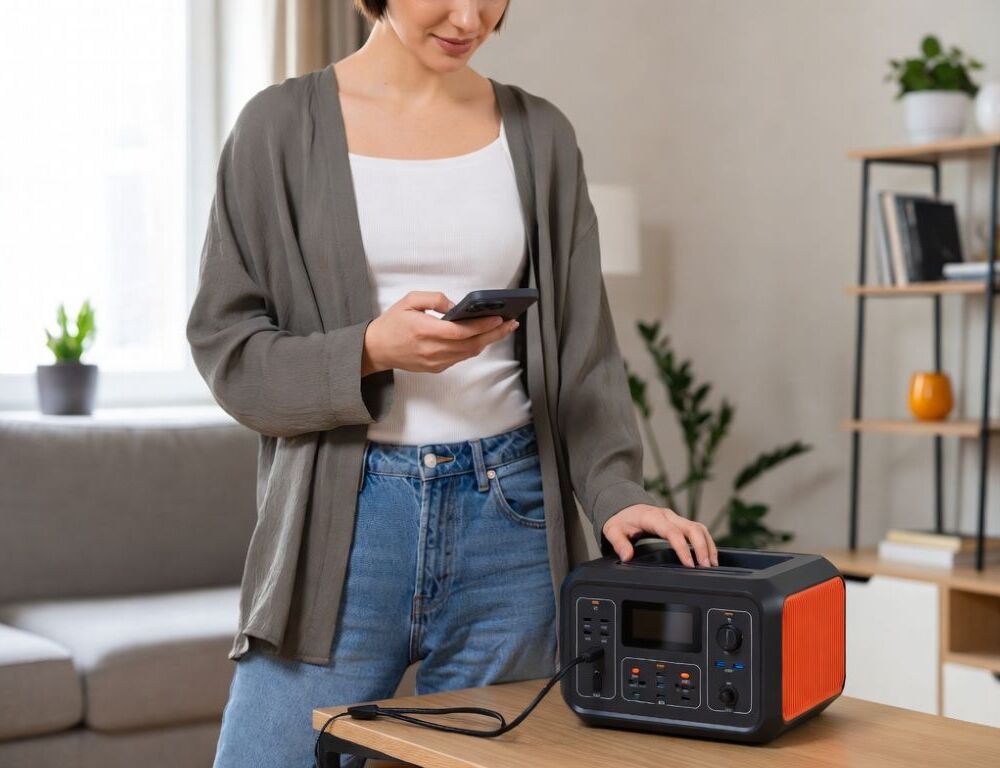
Choosing a power station for an apartment is easiest when you translate your needs into two numbers: peak watts (what it can start and run) and watt-hours (how long it lasts). Specs become useful only after you map them to your actual appliances and routines.
Start with a short “must-run” list and a “nice-to-have” list, then convert both into a power and energy plan you can validate at home.
- What quick checks tell you the power rating you actually need?
- What steps help you calculate watt-hours for apartment backup?
- What outputs and waveform should you prioritize for apartment devices?
- Which battery chemistry fits apartment use: LiFePO4 or NMC?
- What apartment charging setup is practical and safe?
- What certifications and protection features reduce risk in an apartment?
- What mistakes should you avoid when choosing a power station for an apartment?
What quick checks tell you the power rating you actually need?
Quick checks for the power rating you need focus on surge loads and what you will run at the same time. The biggest surprises usually come from motor and compressor devices, not from laptops and phone chargers.
Use this fast triage:
- List 3–5 essentials: router, laptop, a few lights, chargers, sometimes a fridge.
- Add 1–2 heavy scenarios you truly expect: microwave, kettle, hair dryer, vacuum.
- Flag motor loads separately: fridge, pump, power tools.
Surge matters: the Global Industrial wattage chart shows the idea clearly by listing both running and starting watts for appliances, and it includes cases where a refrigerator/freezer has a much higher starting wattage than its running draw (their table includes an example around 700 W running and around 2,200 W starting). That is why a station can look “strong enough” on paper and still fail when the compressor kicks in.
Validation step: plug in the most demanding device you plan to use and watch the station’s output and overload behavior. If it trips protection on startup, you need more surge headroom or a different plan, such as not running compressor loads from that unit.
What steps help you calculate watt-hours for apartment backup?
Watt-hour planning for apartment backup works when you start from time and usage, not from the battery number on the box. Watt-hours only matter in the context of your schedule.
A practical sequence:
- Pick an autonomy target: 2 hours, 6 hours, overnight, a full day.
- Write down average power (W) and expected runtime (hours) for each device.
- Calculate energy: W × hours = Wh.
- Sum Wh for “must-run”, then for “nice-to-have”.
- Add a buffer for conversion losses and real-world conditions.
If your plan includes a refrigerator, estimating from monthly or daily consumption is usually more reliable than guessing. A helpful reference is refrigerator electricity use per month and per day, which makes it easier to translate daily consumption into Wh and sanity-check whether your target runtime is realistic.
What buffer should you add for inverter losses and real conditions?
A buffer is needed because rated Wh is not the same as usable Wh at the AC outlets. Some energy is lost in DC-to-AC conversion and in the device’s own electronics, and temperature and aging also reduce usable energy.
A practical apartment rule: add 15–25% on top of your calculated Wh, with more buffer if you expect frequent peaks or colder storage conditions. A simple validation is to run a typical load for a fixed time and compare your expected Wh with what the station reports.
What outputs and waveform should you prioritize for apartment devices?
Outputs and waveform choices matter because compatibility issues show up only after you plug things in. The safest default for mixed home electronics is stable AC output plus the ports you actually use.
Check for:
- Pure sine wave if you plan to power sensitive electronics or devices that dislike modified waveforms.
- Enough AC outlets and a realistic continuous watt rating.
- USB-C PD at the wattage your laptop needs.
- 12 V outputs if you want to run a router directly on DC and reduce conversion losses.
Validation step: test your most sensitive or critical device and watch for flicker, noise, or unexpected shutdowns.
Which battery chemistry fits apartment use: LiFePO4 or NMC?
Battery chemistry affects cycle life, weight, and how the station behaves with frequent use. If you expect regular cycling, cycle life becomes a priority, not a bonus feature.
As a concrete reference point, an NPP Power LiFePO4 datasheet states more than 3,000 cycles at 100% depth of discharge. That does not mean every product is identical, but it explains why LiFePO4 is often preferred for frequent charging and discharging.
Decision logic:
- Frequent use and long service life goals often point toward LiFePO4.
- Occasional emergency use can justify other chemistries, but compare warranty terms and real power delivery.
What apartment charging setup is practical and safe?
Apartment charging is usually straightforward, but the weak link is often the outlet and the cable path, not the battery. High charging power can heat plugs and contacts, especially on older sockets.
Safer setup:
- Charge from a solid wall outlet, not through stacked adapters.
- If other high-load appliances run on the same line, reduce charging power when the station allows it.
- Check heat by touch: the plug and cable should not become hot.
If charging causes noticeable heat or breaker trips, lower charging power or switch to a different circuit. If the issue repeats, stop and have the outlet checked.
What certifications and protection features reduce risk in an apartment?
Protection features matter more in apartments because you are operating near people, furniture, and shared building wiring. The basics should include BMS, over-temperature protection, overload protection, and short-circuit protection.
A documentation marker you may see is transport testing. A PRBA UN 38.3 summary explains that UN 38.3 is a set of tests used for lithium battery transport compliance, and reputable sellers typically can provide a test summary or a clear statement of UN 38.3 compliance.
A hard safety line: do not connect a station into apartment wiring without a proper transfer solution and a qualified electrician, because backfeed and incorrect switching can damage equipment and create fire risk.
What mistakes should you avoid when choosing a power station for an apartment?
Mistakes when choosing a power station for an apartment usually come from mixing up watts and watt-hours, ignoring surge, and overloading outlets and extension cords.
Common pitfalls:
- Buying for Wh only and missing surge headroom for compressor loads.
- Forgetting the buffer, then getting much shorter runtime than expected.
- Running everything through cheap extension gear and heating contacts.
- Attempting whole-apartment backup without proper switching and protection.
When your peak watts, watt-hours, and surge needs match your real scenario, the station becomes predictable and easier to validate.
Sources: