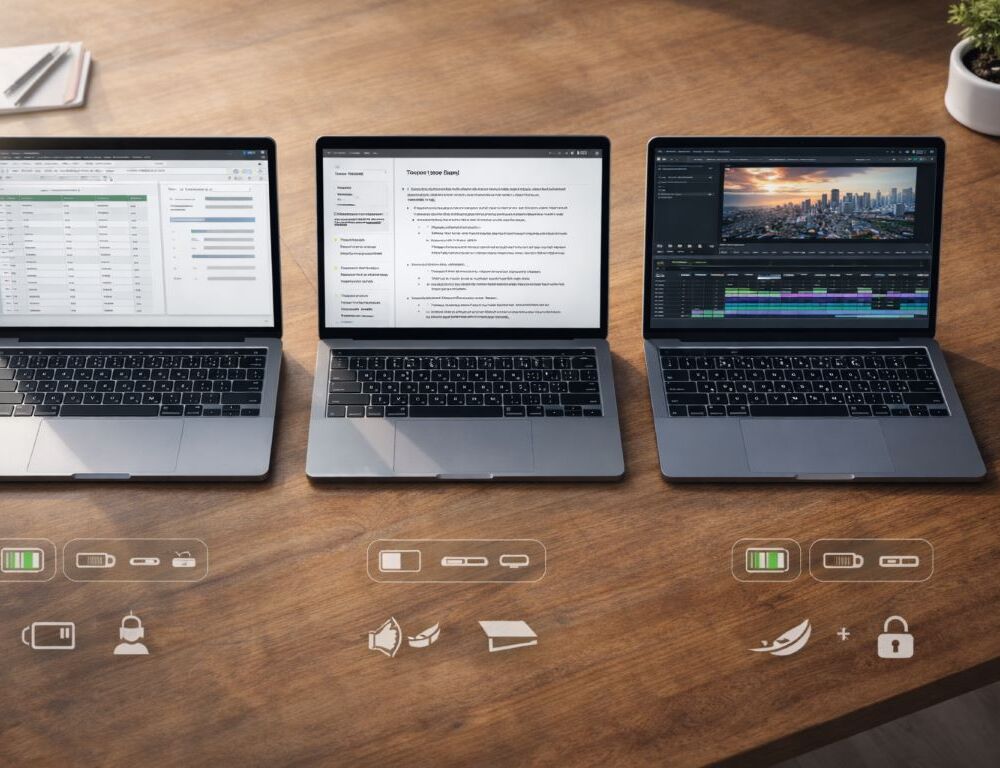
Many laptops look similar until you live with one: glare becomes annoying, ports don’t match your setup, battery life falls short, and performance dips during longer loads.
Direct answer: start with your scenario and constraints, pick display and chassis comfort, match CPU + RAM + SSD to your workload, confirm ports and charging, then compare raw performance numbers last.
- Who benefits from which laptop style?
- What steps keep your laptop choice practical?
- 1) Lock your scenario and your “no-go” list
- 2) Pick screen size for your habits
- 3) Decide display comfort before chasing specs
- 4) Read CPU tier at a “class” level
- 5) Set RAM for smooth multitasking
- 6) Choose SSD type with real-life expectations
- 7) Confirm ports and charging like you’ll use them tomorrow
- 8) Treat battery life and battery wear as real constraints
- 9) Check sustained performance if you run long heavy sessions
- Mini table: step → where to check → what should become clear
- What to do if the laptop feels laggy after setup?
- When does buying used make sense?
Who benefits from which laptop style?
- If you travel a lot, weight, battery life, and quiet fans usually beat small performance gains.
- For study and office work, display comfort, keyboard feel, and memory headroom matter most.
- For editing, rendering, or gaming, cooling and sustained performance become critical.
- If the laptop will mostly sit at a desk, it helps to sanity-check the form factor trade-off with a clear comparison: laptop vs desktop without overspending.
Micro-scenario (ENG): if your day is docs, calls, and a browser, you’ll notice a mediocre trackpad and loud fans more than a tiny benchmark bump.
What steps keep your laptop choice practical?
1) Lock your scenario and your “no-go” list
Write down two or three daily scenarios, plus what you won’t tolerate (weight, noise, weak battery, missing ports). For quick context, start with a simple explanation of what a laptop actually is.
Expected result: you stop comparing devices that don’t fit your real day.
Rollback: if your list is too long, keep three must-haves and three nice-to-haves.
2) Pick screen size for your habits
13–14″ travels well; 15–16″ feels better for long sessions and spreadsheets.
Expected result: you avoid “too small to work” or “too heavy to carry” regret.
Rollback: if torn between sizes, choose the better weight + battery balance.
3) Decide display comfort before chasing specs
Display comfort is hours of your life. A practical reference is a down-to-earth IPS vs OLED display breakdown.
Expected result: you pick a screen that fits your environment, not just marketing terms.
Rollback: if unsure, choose the more universal option with usable brightness and manageable reflections.
Micro-scenario (ENG): if you work near windows, brightness and reflections often matter more than “perfect colors.”
4) Read CPU tier at a “class” level
You don’t need to memorize every model name, but you should know that series and generations can change efficiency a lot. Intel’s official overview helps you read labels quickly: Intel processor names and numbers guide.
Expected result: you match CPU tier to your workload instead of guessing.
Rollback: if you don’t want to dive deep, rely on real-world tests for your scenario.
5) Set RAM for smooth multitasking
For many people, RAM determines smoothness more than small CPU differences. A good baseline is a quick way to estimate how much RAM you need.
Expected result: fewer slowdowns with tabs, calls, and multitasking.
Rollback: if budget is tight, prioritize RAM headroom over minor CPU upgrades.
6) Choose SSD type with real-life expectations
SSD matters, but peak numbers don’t always translate into a noticeable daily difference. Use this lens: what NVMe vs SATA feels like in daily use.
Expected result: faster boot and smoother file handling.
Rollback: if you don’t move huge projects daily, prioritize capacity over chasing the top tier.
7) Confirm ports and charging like you’ll use them tomorrow
Many regrets come from ports and charging; “USB-C” isn’t always the same experience. USB-IF explains the standard here: what USB Power Delivery is and how it works.
Expected result: fewer dongle surprises and charging headaches.
Rollback: if ports are limited, plan a quality hub and check compatibility upfront.
8) Treat battery life and battery wear as real constraints
If you work away from outlets, battery and quiet operation often beat small performance gains. A practical baseline is habits that help your laptop battery last longer.
Expected result: a calmer day without constant charging.
Rollback: if you’re always plugged in, shift budget toward display or performance.
9) Check sustained performance if you run long heavy sessions
“Fast at first” and “stable for an hour” can be different machines. If you want to understand heat-driven slowdowns, start with how to spot thermal throttling and cool things down safely.
Expected result: fewer surprise dips under load.
Rollback: if heavy loads are rare, don’t overpay for extremes—just check heat feedback for the exact chassis.
Micro-scenario (ENG): if you export video most evenings, steady performance over 30–60 minutes matters more than a short benchmark peak.
Mini table: step → where to check → what should become clear
| Step | Where to check | What should become clear |
| Scenario | Notes/checklist | Real priorities |
| Display | Display specs + reviews | Comfort and glare |
| CPU | Specs + tests | Workload tier |
| RAM/SSD | Memory/Storage | Responsiveness |
| Ports | Photos + specs | Daily connections |
| Heat | Series feedback | Sustained speed |
What to do if the laptop feels laggy after setup?
When a laptop feels slow, startup load, power mode, storage pressure, and RAM limits are common causes. A clean diagnosis framework is a step-by-step plan when a laptop starts lagging.
Expected result: you identify the cause without drastic steps.
Rollback: if a change makes things worse, revert to defaults and adjust one setting at a time.
When does buying used make sense?
Used laptops can be great value if you follow a checklist. Start with a used-laptop buying checklist to avoid hidden problems.
Expected result: fewer chances of inheriting issues.
Rollback: if you can’t test in person, buy only with clear return terms.
A good pick isn’t about perfect numbers—it’s about a calm fit with your day. Once your scenario is clear, the right laptop becomes much easier to spot.