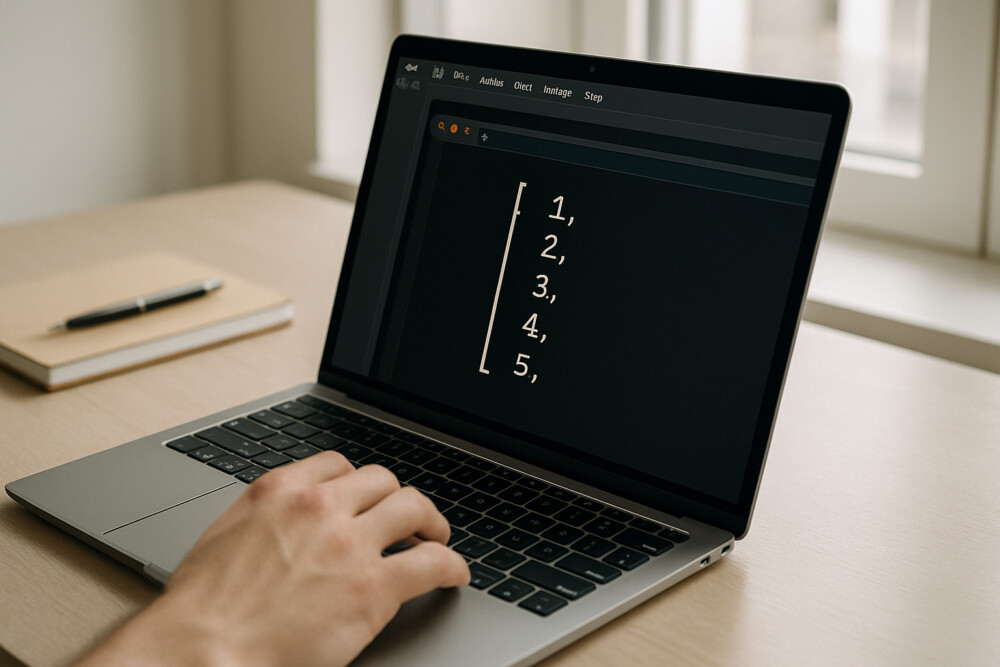
How to create a Python list is one of the first things beginners need to understand. Lists store collections of values, and Python gives you several practical ways to create them depending on the task.
Basic way to create a list
The simplest way to create a Python list is to put items inside square brackets, separated by commas. A list can contain numbers, strings, boolean values, or mixed data types.
Example: fruits = ["apple", "banana", "orange"]
An empty list is created like this: items = []. To verify the result, print the variable with print(items) and check that Python shows the expected values inside square brackets.
Creating a list with list()
The list() function is useful when you want to convert another sequence into a list. It is a practical option for strings, tuples, sets, and the results of some iterators.
Example: numbers = list((1, 2, 3))
For a string, the result is a list of characters: list("tech") returns ["t", "e", "c", "h"]. If the converted list does not look right, check whether you passed a string instead of a collection of values.
Creating a list with a loop or list comprehension
A list comprehension is a good choice when you need to build a Python list by rule rather than by typing every item manually. It is a compact way to create a new list from a range, a filter, or a calculation.
Example: squares = [x * x for x in range(5)]
This expression creates the list [0, 1, 4, 9, 16]. To check that it works, compare the result with the sequence you expected or print it temporarily with print(). If the logic is more complex, a regular for loop is sometimes easier to read.
When a loop is better than a list comprehension
A loop is more convenient when creating a list requires several steps, error handling, or conditional logic. List comprehensions are best kept for short, clear transformations.
Common mistakes when creating a list
The most common mistakes are usually not about creating the list itself, but about misunderstanding its contents or type.
- Confusing a list with a tuple: [1, 2] and (1, 2) are different types.
- Forgetting commas between items.
- Expecting list("abc") to create a list of words instead of characters.
- Reusing the same list in multiple places without making a copy.
If a list behaves unexpectedly, first check its type with type(), then inspect its contents with print(). For variables that need to change independently, create a new list instead of reusing the same object.
Which method to choose in practice
The best way to create a Python list depends on where the data comes from and what you want to do with it next.
- […] — for manually defined items and simple empty lists.
- list(…) — for converting another sequence into a list.
- [x for x in …] — for quickly creating a list by rule.
- for — for complex logic, checks, and step-by-step construction.
For most everyday Python tasks, these four options are enough. If the result is easy to read from the code, the method is probably a good choice.