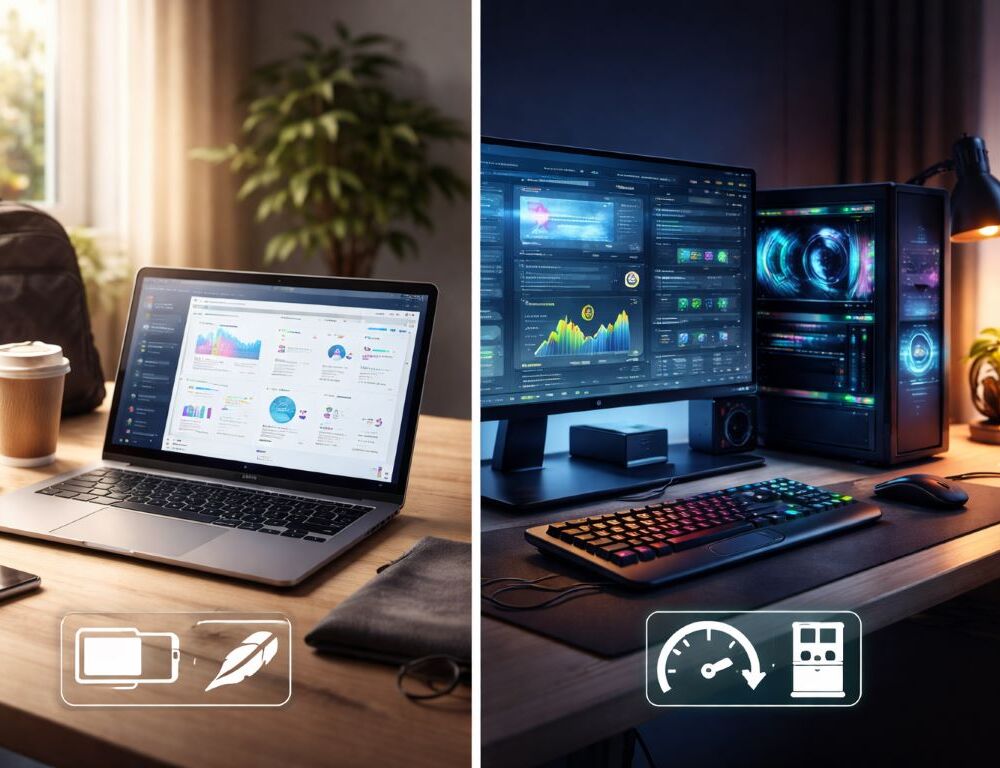
When the laptop vs desktop debate hits, it’s easy to drown in specs and miss the real point. You’re not choosing a spreadsheet of numbers. You’re choosing a daily setup: something you carry anywhere, or a stable workstation you can upgrade and keep for years.
Who should pick a laptop, and who should stick with a desktop?
Do you need portability, or a fixed home base?
If you work in different places, travel, study on the go, or simply hate being tied to one desk, a laptop fits naturally. A desktop shines when you want a larger screen, easy upgrades, and consistent performance without worrying about battery life.
Which tasks tend to tip the decision?
Gaming, 3D work, heavy editing, and multi-monitor workflows often favor a desktop. School, office work, video calls, and flexible routines often favor a laptop.
Why does a quick definition help before comparing specs?
If you still find yourself asking what is a laptop in practical terms, keep it simple: it’s a computer with a built-in screen and battery designed for portability. That clarity makes the tradeoffs easier to accept.
Comparison table for real-world tradeoffs
| Factor | Laptop | Desktop |
| Portability | High | Low |
| Performance per dollar | Medium | High |
| Upgrades and repair | Limited | Easy |
| Ergonomics | Depends on setup | Highly customizable |
| Cooling and noise | Depends on model | Easier to manage |
| Workspace footprint | Small | Requires a desk setup |
This table won’t decide for you, but it quickly shows where convenience costs more and where power scales cheaper.
What should you prioritize so you don’t regret it next year?
How much RAM and what storage actually matters?
For everyday use, RAM headroom and a fast SSD often matter more than chasing the top CPU tier. If you live in dozens of browser tabs, chat apps, and office tools, low memory feels worse than a modest CPU difference.
Do you need a dedicated GPU, or is integrated graphics fine?
Integrated graphics is enough for office work, school, streaming, and light creative tasks. A dedicated GPU becomes important for modern games, 3D, effects-heavy editing, and long-term performance headroom.
Is a better laptop screen worth it, or should you plan for a monitor?
For long sessions at home, a good external monitor can boost comfort more than a small CPU upgrade. If you buy a laptop, decide whether you’ll dock it with a monitor and keyboard. If you buy a desktop, budget for the display—it affects your eyes and posture every day.
- For a laptop: mouse, bag, possibly a dock or adapter hub.
- For a desktop: monitor, keyboard, mouse, speakers or headset, and sometimes a UPS.
Pricing those items early makes the comparison realistic, not emotional.
Small details also matter: keyboard feel, webcam quality, mic clarity, and fan noise can change your day more than a minor benchmark win.
Quick questions people ask right before buying
Which option is cheaper long-term?
Desktops usually offer better performance per dollar and are easier to upgrade over time. Laptops can be cheaper to start with because the screen and core peripherals are already built in.
What’s better for school and remote work?
Often a laptop, because it’s flexible and call-ready. At home, a laptop can feel like a workstation if you add a monitor and a proper keyboard.
What if you want to game and work on the same machine?
If gaming is the priority, a desktop is usually the safest bet. If portability matters, a gaming laptop can work, but pay close attention to cooling and noise, not only the GPU.
Is it smart to have both?
Sometimes yes: a light laptop for travel and a budget desktop at home for heavy tasks. It reduces compromises, but it also requires a bigger budget and good file organization.
If you describe your routine in one sentence—where you work, how many hours, and what you do most—the laptop vs desktop choice becomes straightforward and surprisingly calm.