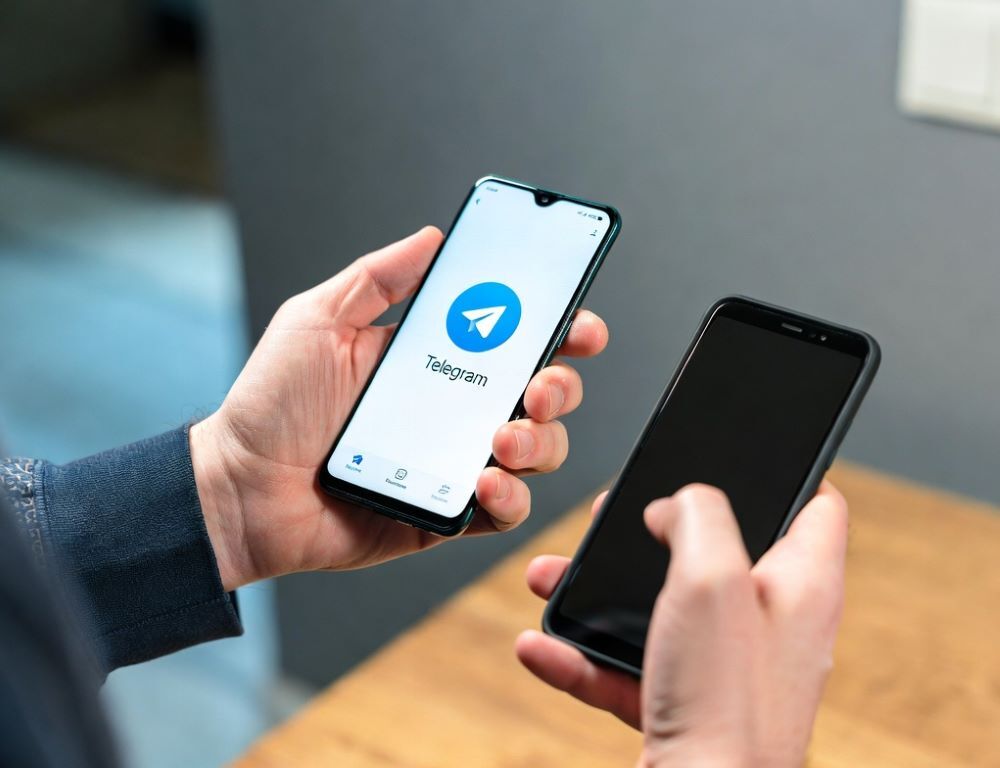
Moving Telegram to a new phone without losing chats comes down to account access and a quick sync check right after sign-in.
- What transfers to a new phone in Telegram, and what does not?
- Which prep steps reduce the risk of losing access during the move?
- What is a reliable way to sign in on the new phone and confirm chats are intact?
- What should you do if the login code does not arrive or the connection is unstable?
- Which security steps prevent account takeover during migration?
- Which mistakes most often make a Telegram move feel like chats disappeared?
- Which signs mean it is smarter to stop and ask for help?
- What conclusion keeps Telegram migration low-risk and predictable?
What transfers to a new phone in Telegram, and what does not?
Most Telegram content reappears after you sign in, while a few items stay device-bound by design. Anglano (2017) distinguishes regular chats that go through the Telegram system from secret chats where messages are exchanged directly between user devices and are not sent to or stored on the Telegram system, which is why secret chats do not carry over to a new phone.
This table keeps the expectations practical.
| Item | What you will see on the new phone | What to do before switching |
| Regular chats, groups, channels | History shows up after sign-in | Confirm you are signing into the same number |
| Secret chats | Not available on the new device | Save anything important manually |
| Downloads and cache | May be empty | Copy critical files out of local folders |
| Device settings | May reset | Re-check privacy and notifications after sign-in |
The check is done when you can explain which missing conversations are expected and which are not.
Which prep steps reduce the risk of losing access during the move?
A short prep routine prevents most sign-in failures and reduces account risk. Do this on the old phone:
- Verify the SIM can receive SMS and calls.
- Enable two-step verification in
Settings > Privacy and Security > Two-Step Verification. - Review active sessions in
Settings > Devicesand remove anything you do not recognize. - Save important files that exist only in local downloads.
The prep is validated when you can pass 2FA (if enabled) and your device list looks clean.
What is a reliable way to sign in on the new phone and confirm chats are intact?
A reliable sign-in flow ends with device and sync verification, not just “I’m in.”
- Install Telegram, enter the same phone number, and complete verification.
- Open several chats and confirm message history loads.
- Check
Settings > Devicesto confirm the new phone appears as a separate session. - Open one media-heavy chat and wait for thumbnails to load before judging media availability.
If you need a temporary fallback on a computer while the phone setup is in progress, Telegram Web as a backup session can keep access available without reinstall loops.
The result is validated when the new session is visible in the device list and chats open normally.
What should you do if the login code does not arrive or the connection is unstable?
Code delivery issues are often network-driven and improve with a clean retry sequence. A Telegram traffic analysis from CIC-COCOS (2024) notes that verification can be delivered via multiple channels, including SMS, a voice call, or a missed call, so switching the offered method is a legitimate next step.
Use this sequence:
- Re-check country code and phone number formatting.
- Switch networks: Wi-Fi ↔ mobile data, and temporarily disable VPN or filtering apps if they break connections.
- Use an alternative verification method if Telegram offers it.
- Pause before retrying, because repeated requests can trigger longer cooldowns.
When Telegram is blocked or filtered on a specific network, using a stable proxy/DNS setup becomes a practical prerequisite, and the checklist in Telegram block bypass without account risk helps isolate whether the issue is connectivity or account-side.
The step works when the code arrives consistently after changing the delivery method or network.
Which security steps prevent account takeover during migration?
Account takeover attempts usually happen at the exact moment someone can trick you into sharing a code. Hudobnik’s privacy assessment (2021) notes that Telegram supports a second authentication factor, which is why two-step verification is a meaningful barrier even if an SMS code is intercepted.
Use these rules:
- Never share the login code or your 2FA password.
- Do not install “helper” apps for account transfer.
- After signing in, open
Settings > Devicesand terminate unknown sessions. - Lock Telegram with a passcode or biometrics if other people can access the phone.
The security check is successful when only your sessions remain active and 2FA is under your control.
Which mistakes most often make a Telegram move feel like chats disappeared?
Most “lost chat” reports come from expectation mismatches or wrong-account sign-ins.
- Confusing regular chats with secret chats and expecting secret chat history to sync.
- Signing into a different number, especially with dual SIM or eSIM.
- Attempting sign-in while the number cannot receive SMS or calls.
- Ignoring
Settings > Devicesand leaving unknown sessions active.
The outcome is validated when each risk has a concrete verification step rather than guesswork.
Which signs mean it is smarter to stop and ask for help?
A few warning signs are better handled with official support steps rather than repeated retries.
- Cooldown timers increase after multiple login attempts.
- The 2FA password is unknown and recovery options are not available.
- Unknown sessions reappear after you terminate them.
- Anyone asks for your code, password, or urgent “verification” actions.
The safest path is to stop risky actions, secure the account, and use official recovery options instead of improvising.
What conclusion keeps Telegram migration low-risk and predictable?
Telegram migration without losing chats is predictable when sign-in is controlled, sessions are verified, and sync limits are understood before you assume data loss.
Sources: