
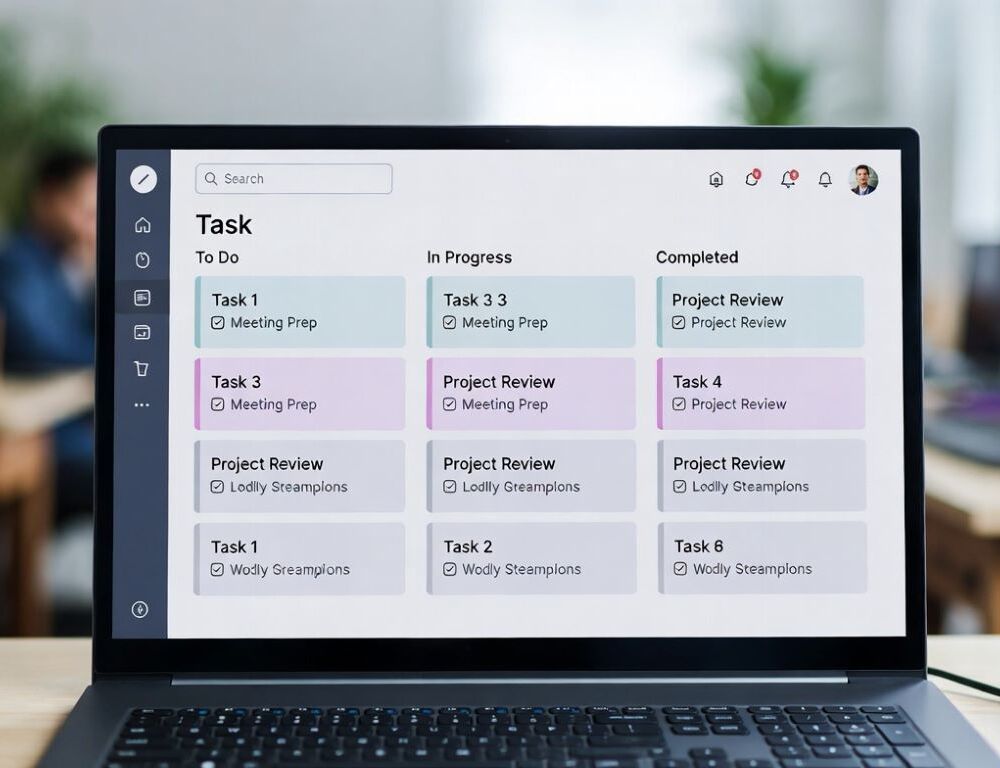
Task management software is a system for capturing tasks, prioritizing them, and turning “I should” into a clear next step you can finish.
- Do you need a task management app or is a notes app enough?
- What is task management software in a practical weekly routine?
- Best task management app vs to do list app, what is the difference?
- Kanban app vs list view, when does Kanban help?
- Task manager with time tracking, when is the timer helpful?
- What mistakes make a task management workflow fall apart?
- Personal task management app or team task management software, can one system cover both?
- What is the simplest takeaway before you pick a tool?
Do you need a task management app or is a notes app enough?
A task management app becomes useful when tasks have deadlines, repeat, or keep disappearing across chats, email, and sticky notes.
- If you keep remembering tasks at the wrong time, you need reminders and a single inbox.
- If tasks have steps, you need subtasks and checklists.
- If personal and work tasks blur together, you need separate lists or contexts.
- If your list grows but completion stays flat, you need priorities and a weekly review.
A simple validation is this: tomorrow you open the app and immediately know what to do next, without reconstructing context.
What is task management software in a practical weekly routine?
What is task management software becomes obvious when it changes your weekly rhythm, not when it adds another place to store ideas.
Try a minimal setup for one week:
- Create three lists: “Today”, “This week”, “Later”.
- Keep “Today” to 3 outcomes, not 30 intentions.
- For each big item, write the first concrete action (not “work on project”, but “open the doc and outline the first section”).
- End the day by moving leftovers to “This week” or “Later”, then stop.
Verify the change by repeating one test: do you start work faster the next morning, with fewer “where do I begin?” moments? If not, reduce “Today” even further and tighten what counts as a first action.
Best task management app vs to do list app, what is the difference?
A to do list app is a lightweight list, while a task management tool usually adds structure such as priorities, recurring tasks, subtasks, and views that match how you work.
Use this quick mental model:
- To-do list: “What do I need to remember?”
- Task management tool: “What is the next action, by when, and what blocks it?”
- Project management tool: “Who does what, how do tasks connect, and what is the timeline?”
If you mostly need memory support, a to-do list is enough. If you need follow-through and accountability to yourself, task management software fits better.
Kanban app vs list view, when does Kanban help?
A Kanban app helps when tasks get stuck in stages, not when you simply forget them.
Kanban Guides defines Kanban for knowledge work as a strategy for optimizing the flow of value through a system, supported by practices that work together: defining and visualizing a workflow, actively managing items in that workflow, and improving flow. That framing explains why Kanban boards are strongest when you can see bottlenecks and limit what is “in progress”.
Validate it with one rule for a week: keep “In progress” to 1–3 items. If completion improves, Kanban fits. If it does not, simplify columns and reduce parallel projects.
Task manager with time tracking, when is the timer helpful?
A task manager with time tracking helps when time data changes decisions, for example billing, estimating, or protecting focus.
Use a timer only for 1–2 task types at first, such as deep work blocks or billable tasks. Verify the benefit by checking whether time data leads to a clear adjustment next week (fewer meetings, smaller task scope, different prioritization). If the timer creates friction and no decisions change, turn it off and keep the workflow simpler.
What mistakes make a task management workflow fall apart?
A task management workflow fails most often because it grows faster than your ability to review it.
Common failure points:
- Writing vague tasks instead of the next concrete action.
- Keeping too many tasks “active” and constantly switching.
- Capturing everything but never doing a weekly review.
- Duplicating tasks across tools and losing trust in the list.
A practical fix is a short weekly reset: delete, defer, or clarify first actions until “Today” feels realistic again.
Personal task management app or team task management software, can one system cover both?
One system can cover both if it has clear boundaries, separate lists, and a rule against duplication.
Microsoft’s research on cross-boundary task management shows how work and personal task handling can shift with context: in their study, the mid-pandemic cohort reported a 24% decrease in managing work-related tasks beyond work hours, while reporting a 20% increase in managing tasks during 8PM–12AM. Even without copying their scenario, the takeaway is useful: boundaries matter, and your tool should support separation when you need it.
Validate your setup by one outcome: fewer duplicates and fewer “where did I put that task?” moments across work and personal life.
What is the simplest takeaway before you pick a tool?
The best results come from a small, stable system: minimal lists, clear first actions, and a short review that keeps the tool lighter than your workload.
Sources: