
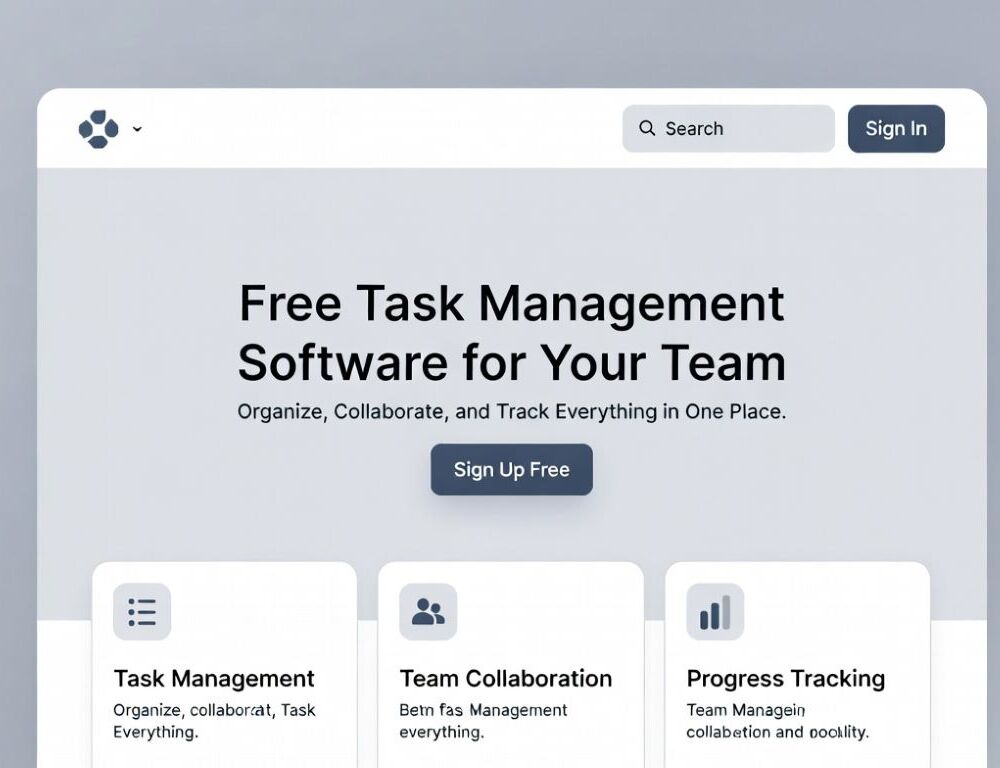
Team task management software works when it reduces coordination overhead and makes ownership, status, and deadlines unambiguous.
- What should team task management software manage, and what should stay outside?
- Which requirements matter most for a project management tool for teams in a business setting?
- What rollout sequence makes a collaborative task management tool easier to adopt?
- When is a free task management app enough for a team?
- When does kanban software for teams make more sense than lists?
- Should you choose a calendar view or a Gantt chart for planning?
- When does task management with time tracking help instead of annoy?
- What mistakes commonly break task management software for business after launch?
What should team task management software manage, and what should stay outside?
Team task management software should hold the single source of truth for execution, not every conversation around it.
Keep inside the tool:
- Tasks with an owner, a due date, and a clear “done” condition.
- Approvals where versions and final decisions matter.
- Dependencies where one item blocks another.
- Repeatable workflows like releases, content production, onboarding, procurement.
Keep outside, but summarize back into a task:
- Long debates and brainstorming threads. Capture the decision as a task outcome.
- Personal notes that don’t affect the team.
- Parallel copies in docs and chats. Duplicates break trust fast.
In Asana’s AWS re:Invent 2023 session deck, a slide cites an estimate of “3 days/week” lost to busy work when teams and tools are disconnected. That’s the core reason to centralize execution instead of scattering it across chat threads and spreadsheets.
Which requirements matter most for a project management tool for teams in a business setting?
A project management tool for teams becomes “business-grade” when permissions, visibility, and reporting are built for real governance.
Check these before you commit:
- Roles and permissions: who can create projects, edit workflows, delete tasks.
- Privacy controls: private projects, restricted fields, access by groups.
- Change history: who changed the owner, due date, status, or scope.
- Reporting that doesn’t rely on manual rollups: progress, overdue items, workload.
- Integrations with what your team already uses every day.
The same AWS re:Invent 2023 deck also references an IDC report (sponsored by Asana) with the claim of “2 days/week back” through increased productivity. Treat that as a sanity check for ROI: the best gains come from removing repetitive coordination, not from adding more fields.
What rollout sequence makes a collaborative task management tool easier to adopt?
A collaborative task management tool sticks when the rollout starts with one workflow and clear rules, not a full migration on day one.
A reliable rollout order:
- Pick one pilot workflow (content, releases, client delivery) and run it fully in one tool.
- Define 4–6 statuses and write what each status means.
- Agree on “done” in one sentence per workflow.
- Assign a “workflow owner” who reviews the board weekly and clears stalled items.
- Validate with the same test action each time: can you find the next step, the owner, and the blocker in under a minute?
A practical baseline for terminology and expectations is what task management software actually does.
When does a task management app for teams belong in Telegram or Google Sheets?
A task management app for teams can live in Telegram or Google Sheets when the team is small and the workflow is simple.
Move to a dedicated tool when tasks get lost, owners aren’t obvious, dependencies appear, or recurring workflows need consistency.
What should teams with developers prioritize in team task management software?
Team task management software for developers works best when it avoids double entry and supports the team’s existing planning rhythm.
Verify:
- Backlog and prioritization are easy to maintain.
- Custom fields exist for releases, components, estimates.
- Reporting doesn’t turn into the main job.
When is a free task management app enough for a team?
A free task management app is usually enough when the team is small and you don’t need advanced permissions or portfolio reporting.
Free plans tend to be sufficient when:
- The team is roughly 5–10 people.
- Privacy needs are basic.
- Reporting requirements are lightweight.
- Integrations are nice-to-have, not mission-critical.
If you’re starting on a free plan, compare realistic options in the best free task management app for your needs.
When does kanban software for teams make more sense than lists?
Kanban software for teams helps when you need to visualize flow and limit how much work is “in progress” at once.
IRJES (2024) describes a Kanban board as a visual system of columns and task cards that move through stages. In practice, it works best when your columns represent real stages of work, not vague labels.
Validation step: if “In progress” keeps filling up, set a WIP limit and agree that finishing beats starting.
Should you choose a calendar view or a Gantt chart for planning?
A calendar view works best for date-driven work, while a Gantt chart is useful when dependencies and sequencing are the main risk.
Use these decision cues:
- Calendar: content schedules, events, simple deadline planning.
- Gantt: multi-stage projects where one delay shifts the rest.
- If your plan changes often, verify that rescheduling doesn’t break dependencies.
When does task management with time tracking help instead of annoy?
Task management with time tracking helps when time data changes decisions, such as estimates, billing, or capacity planning.
To keep it sane:
- Track time only on tasks where it matters.
- Use one rounding rule across the team.
- Review trends and bottlenecks, not individual “time spent” as a score.
What mistakes commonly break task management software for business after launch?
Task management software for business fails when rules are unclear and the team keeps working in parallel systems.
Common failure points:
- Tasks without a single owner.
- Statuses that mean different things to different people.
- Deadlines that aren’t maintained.
- Reporting done in separate spreadsheets because the tool data is messy.
- A big-bang rollout that overwhelms the team.
Fix one issue at a time, then validate with the same workflow task to confirm the change actually improved clarity.
Sources: