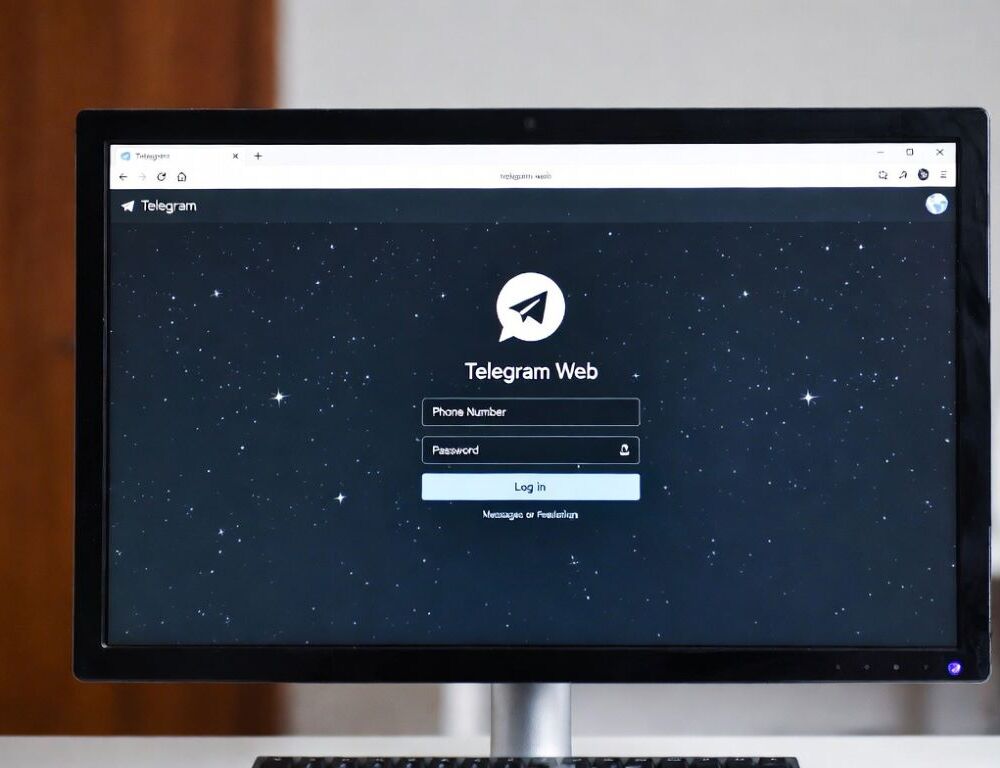
Telegram Web is a practical browser option when installing an app is not possible or not desired. Telegram online sessions work best when privacy and clean logouts matter, especially on shared computers.
- What does telegram online mean, and when is it better than the app?
- Can you sign in to telegram web with a QR code or a phone number?
- Which Telegram Web features match the app, and which ones are commonly limited?
- Why does telegram web fail to load, and what should be checked first?
- How can telegram online be kept safer on a shared computer?
- What mistakes most often cause problems with telegram web?
- Which warning signs suggest stopping because the page may be fake or unsafe?
- What practical conclusion helps choose between telegram web and the app?
What does telegram online mean, and when is it better than the app?
The phrase “telegram online” typically means using Telegram through a browser-based client. This is useful on managed work devices, borrowed laptops, or any situation where keeping the device clean matters.
A quick triage check before signing in: confirm stable internet, correct system time, and no aggressive script-blocking extensions enabled. The check is successful if the sign-in page loads fully without blank screens or repeated refresh loops.
Can you sign in to telegram web with a QR code or a phone number?
Signing in to telegram web is possible using a QR code from an already logged-in phone, or by entering a phone number and a confirmation code. The QR method is usually the safest choice on unfamiliar computers because it reduces typing and minimizes mistakes.
A reliable workflow:
- Open the web client in your browser and choose QR sign-in or phone-number sign-in.
- For QR, open Telegram on the phone and find the device/session section (common labels include Settings > Devices or “Active sessions”), then scan the code.
- For phone-number sign-in, enter the number, confirm the code delivered inside Telegram or via SMS (depending on settings), then enter a 2-step verification password if enabled.
Validation: send a test message to Saved Messages and confirm it appears on the phone shortly after. If it does not, test the same sign-in on another network to rule out DNS or corporate filtering.
Which Telegram Web features match the app, and which ones are commonly limited?
Telegram Web covers messaging and most everyday tasks, but feature parity depends on the specific web build and browser permissions. The most common gaps are calls, microphone access, and certain privacy-only modes.
A small compatibility snapshot makes decisions faster.
| Feature | Telegram Web | Notes |
| Chats and channels | Works | Requires a stable session |
| File sending | Works | Large files depend on browser limits |
| Voice messages | Often works | Needs microphone permission |
| Calls | May be limited | Varies by web client version |
| Secret chats | Usually unavailable | Often app-only behavior |
| Session management | Partial | Full control is easier on mobile |
Validation is passing when the core tasks you need are repeatable, a chat opens, a file sends, and media loads without errors.
Why does telegram web fail to load, and what should be checked first?
A telegram web page that fails to load is most often caused by cache issues, browser extensions, DNS filtering, or network-level blocks. Start with changes that are reversible and easy to validate.
A safe first-pass checklist:
- Retry in a private window, then test a second browser.
- Disable extensions temporarily, especially ad blockers and security/privacy plugins that modify scripts.
- Clear site data for Telegram (cookies and cache), then sign in again.
- Test another network, such as a phone hotspot, to separate device issues from ISP or workplace filtering.
If access looks blocked at the network level, using a structured approach is safer than random tweaks, and this reference stays focused on account safety: Telegram block bypass without account risk. Validation: the sign-in flow completes without looping, and chats load consistently across multiple refreshes.
A safer telegram online session on a shared computer relies on private browsing and session control. The goal is to avoid leaving a persistent login behind while keeping your account protected.
Practical steps:
- Use a private/incognito window to reduce stored cookies and cache.
- Avoid saving passwords in the browser, and do not select “remember this device” prompts unless the computer is trusted.
- Log out from the web client, then confirm the session list on mobile (common paths include Settings > Devices / Active sessions, and Settings search is usually faster if labels differ).
Validation: the web session disappears from the active device list, and no unfamiliar devices remain.
What mistakes most often cause problems with telegram web?
Telegram web issues often come from treating browser problems like account problems. The most common mistakes are:
- Signing in on an unknown computer without private mode and without a clean logout.
- Entering codes or passwords on lookalike pages that imitate Telegram sign-in screens.
- Leaving extensions enabled that break cookies, QR rendering, or microphone permissions.
- Making multiple changes at once, then not knowing what actually fixed or broke the session.
A good control habit: change one thing, then repeat the same test, open a chat, send a message, and refresh once.
Which warning signs suggest stopping because the page may be fake or unsafe?
Warning signs of a fake page or a scam mean stopping immediately before entering codes or passwords. High-risk patterns include requests for a 2-step verification password on a non-Telegram domain, “account verification” transfers, or prompts to install unknown “support” tools.
A safer alternative: close the tab, open Telegram only in the official app, review active sessions, and terminate anything unfamiliar. Validation: only recognized devices remain, and unexpected code prompts stop appearing.
What practical conclusion helps choose between telegram web and the app?
Choosing between telegram web and the app becomes straightforward when you prioritize speed versus full capability. Web access is great for quick sessions and managed computers, while the app usually wins for calls, deeper settings, and long-term daily use.
If the goal is international messaging and calls and Telegram Web is not a fit, comparing alternatives can save time, this overview is a practical starting point: Top messaging apps in America for international chats and calls. The final check is simple: sign-in should be repeatable, and logouts should be verifiable through the active session list.