
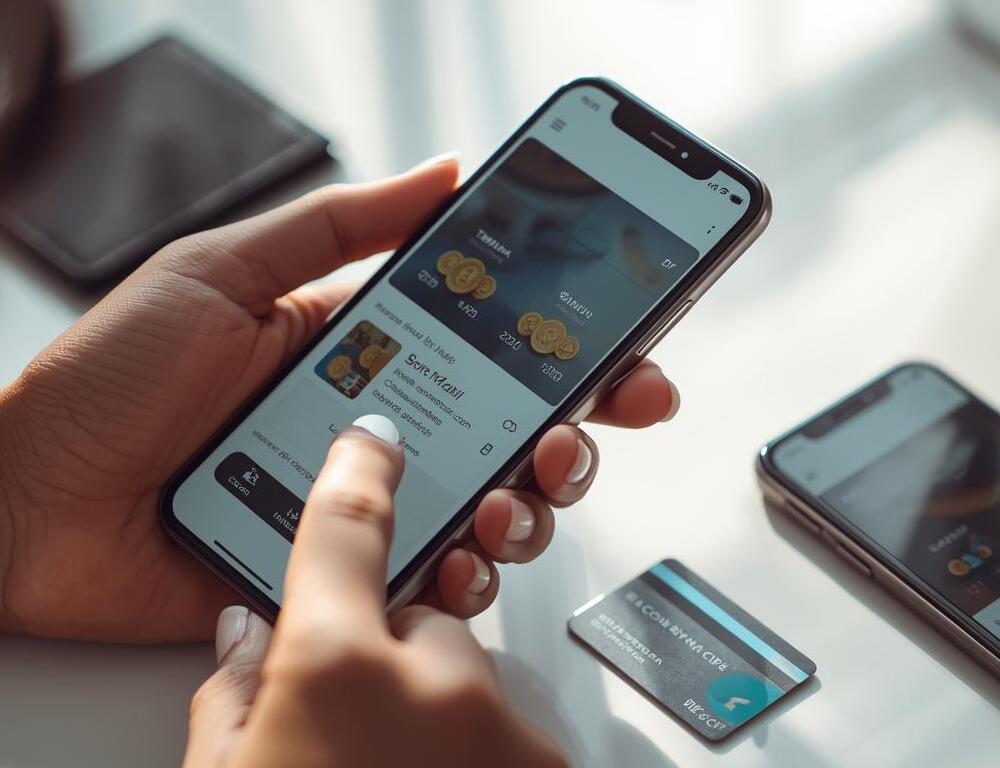
TikTok coins are needed to send gifts in Live and support creators. In practice, the most common problem is not TikTok itself, but payment through the App Store or Google Play, bank confirmation, or account settings. If you want to know how to buy TikTok coins quickly and without surprises, below is a short route: from the purchase to breaking down situations like payment failed or “money was charged, but there are no coins”.
- Where to Buy Coins in TikTok and How to Make the Purchase Step by Step?
- Quick Diagnostics in 60 Seconds If Coins Aren’t Being Purchased
- How to Buy TikTok Coins on iPhone and What Most Often Gets in the Way?
- How to Buy TikTok Coins on Android and What to Check in Google Play?
- What Does the payment failed Error Mean and Why Doesn’t TikTok Accept the Card?
- Money Was Charged, but There Are No TikTok Coins: What Is Really Happening?
- Why Is the Price of TikTok Coins Different and Why Is It More Expensive in the App?
- Can You Buy TikTok Coins Cheaper and Safely?
- Common Mistakes That Create Problems
- How to Get Your Money Back for TikTok Coins If the Purchase Didn’t Happen?
Where to Buy Coins in TikTok and How to Make the Purchase Step by Step?
In most accounts the path is similar, the only difference is which store the payment goes through.
- Open TikTok and go to Profile.
- Open the menu and find Balance or Coins.
- Choose a coin package.
- Confirm the purchase in the App Store or Google Play.
- Return to TikTok and check the coin balance.
If the coins did not appear instantly, do not repeat the purchase. First, check the transaction status in the app store.
Quick Diagnostics in 60 Seconds If Coins Aren’t Being Purchased
This checklist saves you when something went wrong and you want to press again.
- Check purchase history in the App Store or Google Play and find the latest transaction.
- Restart TikTok and refresh the balance page.
- Turn off VPN (if it is on) and repeat the check.
- Make sure there is free space in the phone’s memory.
- Do not make a second payment if the purchase status is “processing”.
How to Buy TikTok Coins on iPhone and What Most Often Gets in the Way?
On iPhone, this is an in-app purchase through the App Store. Payment goes through Apple ID: a card, Apple Pay, or funds on the Apple ID balance, depending on settings.
The most typical reasons why the purchase does not go through:
- outdated Apple ID payment details
- restrictions in “Screen Time”
- the bank did not approve the payment confirmation
- a temporary App Store issue
Where to Check Apple ID Payment Details?
You need to open iPhone settings, go into Apple ID, and check “Payment & Shipping”. If the card changed or expired, the App Store may decline purchases without an obvious explanation.
Can “Screen Time” Block Purchases?
Yes. If in-app purchases are restricted in settings, coins may be unavailable or the purchase may fail. This is checked in “Screen Time” through content and privacy restrictions.
How to Buy TikTok Coins on Android and What to Check in Google Play?
On Android, payment goes through Google Play. If the payment is declined, most often the issue is with the payment profile, bank confirmation, or the payment method.
Quick steps:
- update Google Play and TikTok
- check the payment method in Google Play
- make sure the bank is not blocking online payments
- retry the purchase once after restarting
What Does the payment failed Error Mean and Why Doesn’t TikTok Accept the Card?
Payment failed usually means the transaction did not complete: the bank declined it, the confirmation did not go through, or the app store stopped the purchase. This is not always a bad card. Often it is a limit, 3D Secure, or a temporary review.
Try in this order:
- check whether there are enough funds and whether there are limits on online payments
- repeat the confirmation in the banking app (if it appeared)
- update the payment method in the App Store or Google Play
- restart the phone and make one test attempt
Money Was Charged, but There Are No TikTok Coins: What Is Really Happening?
Most often this is a crediting delay or the transaction being stuck in processing. Here it is important not to create a duplicate payment.
What to check:
- the purchase status in the App Store or Google Play (successful, processing, declined)
- whether a receipt or invoice arrived
- whether the coin balance changed after restarting TikTok
A small real-life scenario: the payment went through, TikTok froze for a moment, and the coins appeared after 5–10 minutes. In such a situation, a repeat purchase only makes a refund harder.
Why Is the Price of TikTok Coins Different and Why Is It More Expensive in the App?
The price is affected by app store fees, taxes, the settlement currency, and bank conversion. That is why amounts on iPhone and Android can differ even for the same package. If somewhere they promise too cheap, it is worth turning on healthy skepticism. Often it is either fraud or questionable schemes.
Can You Buy TikTok Coins Cheaper and Safely?
There is only one safe option: buying through TikTok with confirmation in the App Store or Google Play. If a site asks for your login, password, or confirmation codes, this is a high risk of losing the account or funds. The same goes for promo codes for coins that look too generous.
Common Mistakes That Create Problems
Here is what most often breaks a normal purchase TikTok Coins:
- pressing “buy” several times in a row when it freezes
- making a purchase through a VPN with a different region
- ignoring the receipt and then having no proof of the charge
- changing payment settings in the middle of a transaction
How to Get Your Money Back for TikTok Coins If the Purchase Didn’t Happen?
A refund is usually done through the store the payment went through. If the status is “successful” but there are no coins, first wait a short pause and check the balance again. If the problem is not resolved, you will need the receipt from the App Store or Google Play and a request to the store’s support.
Buying coins in TikTok most often comes down to the App Store or Google Play, not the app itself. The most reliable tactic is simple: buy through official channels, check the transaction status, do not duplicate payment while it is “processing”, and keep payment details in order. If payment failed occurs, limits, bank confirmation, updating the payment method, and one test attempt after restarting usually help.