Skip to content
HiTechNews HiTechNews

News of IT technologies, equipment, electronics

  • IT industry
  • AI
  • Crypt
  • Finances
  • Gadgets
  • Machinery
  • Useful
  • Eng
    • Укр
    • Ру
    • Eng
Home » Chromebook
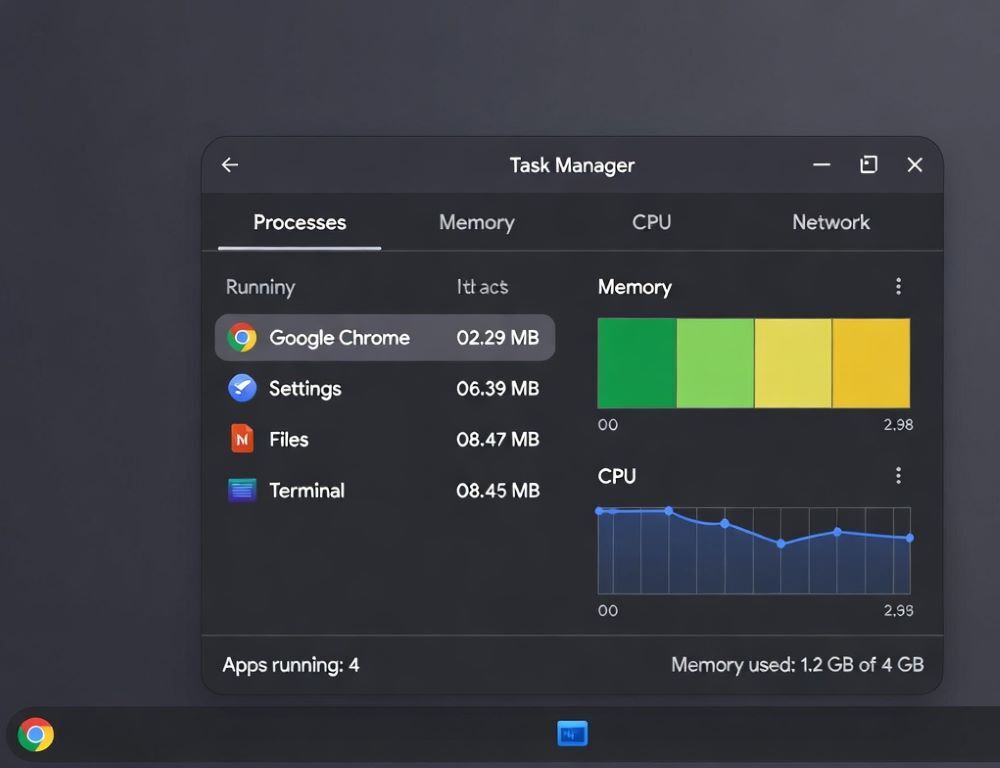
How to open task manager on Chromebook: fix freezes
Posted inIT industry

How to Open Task Manager on Chromebook: Shortcuts, Frozen Tabs, and Process Control

Posted by Jack March 2, 2026
Opening Task Manager on Chromebook is the most direct way to see which tab, extension, or app is eating resources, and then stop it safely. What should you check first…
Read More
  • Google AI Mode vs Gemini: choose by task
    Google AI Mode vs Gemini: What Is the Practical Difference Between AI Search And an Assistant?March 12, 2026
  • Google Gemini free vs paid: test before upgrading
    Google Gemini free vs paid: what the upgrade really changesMarch 12, 2026
  • Google Gemini vs ChatGPT: pick your ecosystem
    Google Gemini vs ChatGPT which is better for integrations and workflows?March 7, 2026
  • Google Gemini vs Bard: rebrand or real changes?
    Is Google Gemini vs Bard a rebrand or a different product?March 6, 2026
  • Gemini vs Google Assistant: decide with 3 tests
    Which should you choose: Gemini vs Google Assistant?March 5, 2026
  • Google AI Mode vs Gemini: choose by task
    Google AI Mode vs Gemini: What Is the Practical Difference Between AI Search And an Assistant?March 12, 2026
  • Google Gemini free vs paid: test before upgrading
    Google Gemini free vs paid: what the upgrade really changesMarch 12, 2026
  • Google Gemini vs ChatGPT: pick your ecosystem
    Google Gemini vs ChatGPT which is better for integrations and workflows?March 7, 2026
  • AI
  • Crypt
  • Finances
  • Gadgets
  • IT industry
  • Machinery
  • Useful
Scroll to Top